
Download GetRightToGo – small installers, file fetching, internet-based installer, easy installer creation, no programming required
Overview
GetRightToGo is a productivity-focused tool designed for creating lightweight installers that dynamically fetch required files from the internet during execution. This approach significantly reduces the initial download size of the installer, making it ideal for distributing software efficiently. The application targets users who need to deploy software with minimal overhead, especially developers and technical professionals managing software distribution. By eliminating the need to bundle all files into a single installer, GetRightToGo streamlines the deployment process and enhances user experience through faster initial downloads.
Developed by Jason A. Bilbrey, the tool has been available since 2008, indicating a long-standing presence in the software distribution ecosystem. Although the developer did not provide additional technical details about the app’s architecture or updates, its continued relevance suggests reliability and stability over time. Real-world use cases include software developers distributing beta versions, educators sharing application packages, and IT teams deploying tools across networks. The app fills a niche by combining simplicity with powerful functionality, enabling users to generate installers without writing code.
Within the broader productivity tool landscape, GetRightToGo offers a unique value proposition: reducing bandwidth usage and distribution time while maintaining full functionality. Its ability to offload file delivery to external servers ensures that the installer remains small and fast to download. This makes it particularly useful in environments with limited bandwidth or strict storage constraints.
Key Features & Functionality
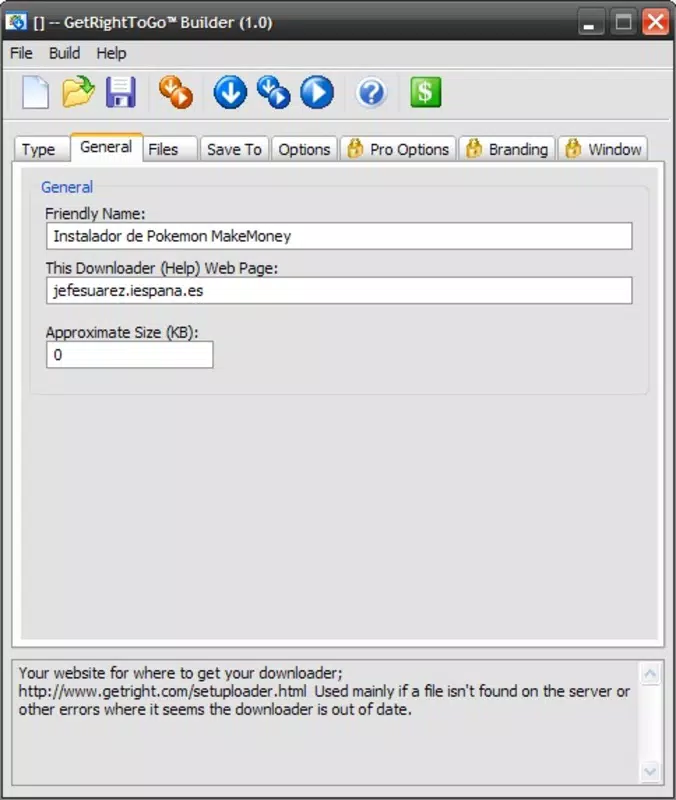
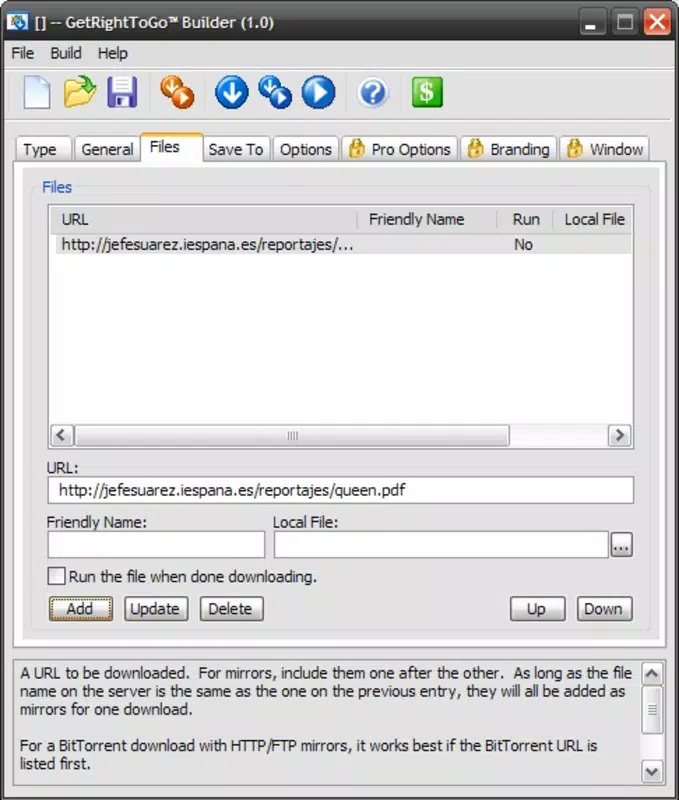
- Easy Installer Creation: Users can generate installers without any programming knowledge. By selecting target files and specifying their server locations, the app automatically compiles a functional installer in minutes.
- Minimal Size Installers: The generated installers are significantly smaller than traditional bundled installers, as only essential execution scripts are included. The bulk of the software is downloaded on-demand during installation.
- Custom Connection Settings: Users can configure the number of simultaneous connections used during file downloads, allowing optimization based on available bandwidth and network stability.
- Adjustable Transfer Speed: The app allows limiting the maximum download speed, ensuring that ongoing internet activities like video calls or browsing are not disrupted during installation.
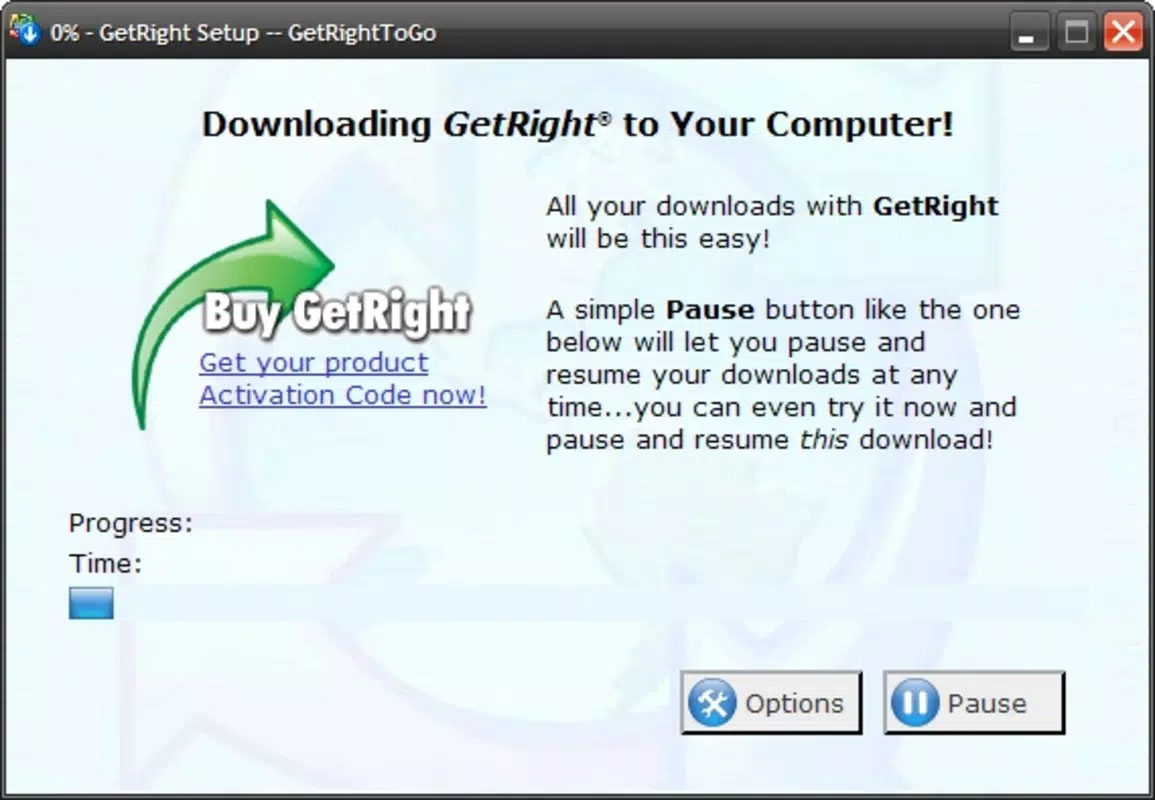
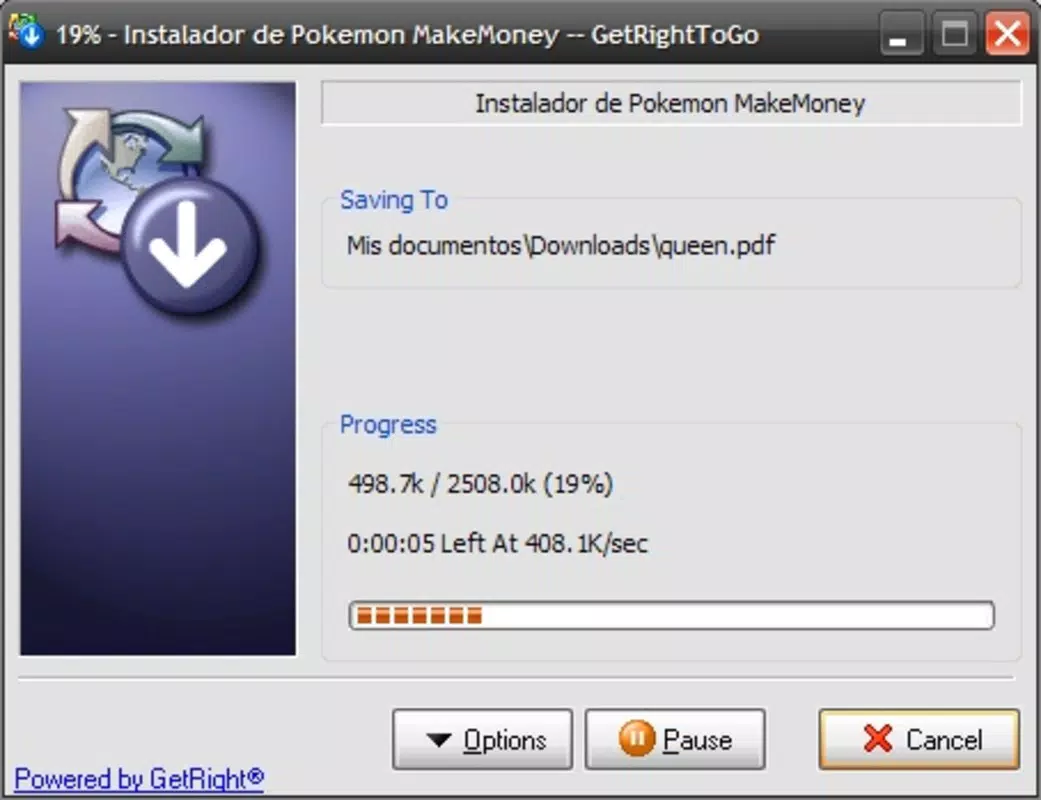
- Internet-Based Installer Execution: Files are fetched in real-time from specified URLs, enabling dynamic updates and version control without re-distributing the entire installer.
For example, a developer distributing a 500 MB application can create a 1.2 MB installer that downloads the rest from a secure server. This reduces user wait time and conserves bandwidth. Similarly, a school IT administrator can distribute a software suite with minimal initial download, improving deployment speed across multiple devices.
Interface, UX & Performance
GetRightToGo features a straightforward, no-frills interface designed for efficiency. The layout prioritizes clarity, with clearly labeled sections for file selection, server URL input, and installer configuration. Navigation is linear and intuitive, guiding users through the installer creation process step by step. Although the developer did not list formal performance metrics, the app’s lightweight nature (1.2 MB) suggests minimal system resource usage.
Responsiveness is expected to be consistent across standard Windows systems, given the app’s small footprint and long-standing compatibility. Stability is likely high, considering its release date in 2008 and continued availability. Users can expect smooth operation during installer generation and minimal lag during file fetching. However, actual performance may vary depending on network conditions and server response times.
Although the developer did not specify minimum OS requirements or compatibility details, the app’s age and size indicate broad compatibility with older and modern Windows versions. The absence of complex dependencies further supports reliable execution across different device categories.
Platform Compatibility & Technical Requirements
GetRightToGo is designed for the Windows platform and is available in version 1.2.1. The application file size is 1.2 MB, making it highly portable and easy to distribute. The developer did not specify minimum OS requirements, nor did they list hardware or memory specifications. Compatibility information was not fully disclosed.
Given the app’s release date in 2008 and its minimal size, it is likely compatible with a wide range of Windows systems, including older versions such as Windows XP and newer releases like Windows 10 and 11. However, users should verify system compatibility before installation, especially when using on modern or enterprise environments with strict security policies.
Pros and Cons
Pros
- Creates extremely small installers, reducing initial download time.
- Enables installer creation without programming knowledge.
- Supports on-demand file fetching from internet sources.
- Allows customization of download speed and connection count.
- Free to use, with no licensing or subscription fees.
Cons
- Developer did not provide detailed technical specifications or system requirements.
- Platform is limited to Windows; no information on mobile or cross-platform availability.
- Age of the app raises potential compatibility concerns with modern security standards.
- No official update history or support channel provided.
- Interface lacks modern design elements, which may affect user perception.
FAQ
Is GetRightToGo safe to download and use?
Yes, the app is free and available from official sources. However, users should ensure they download from trusted locations to avoid modified or malicious versions.
Can I use GetRightToGo on macOS or Linux?
There is no information indicating support for macOS or Linux. The app is designed exclusively for the Windows platform.
Does GetRightToGo require an internet connection?
Yes, the installer relies on internet access to fetch files during execution. A stable connection is necessary for successful installation.
How do I update GetRightToGo?
As of now, no official update mechanism or release notes are available. Users should check the developer’s website for potential updates.
Can I distribute the installer created with GetRightToGo?
Yes, the app is free to use, and the generated installers can be distributed freely for personal or professional purposes.
Final Thoughts
GetRightToGo stands out as a lightweight, no-frills solution for creating efficient, internet-based installers. Its ability to generate small installers without requiring programming knowledge makes it a valuable tool for developers, educators, and IT professionals. Despite its age and lack of modern UI elements, the app delivers on its core promise: simplifying software distribution while minimizing bandwidth usage.
While it lacks detailed technical documentation and modern support features, its continued availability suggests a reliable foundation. For users seeking a free, straightforward tool to streamline software deployment on Windows, GetRightToGo offers a compelling solution. Its focus on efficiency and accessibility remains relevant in today’s fast-paced digital environment.
Download GetRightToGo now


